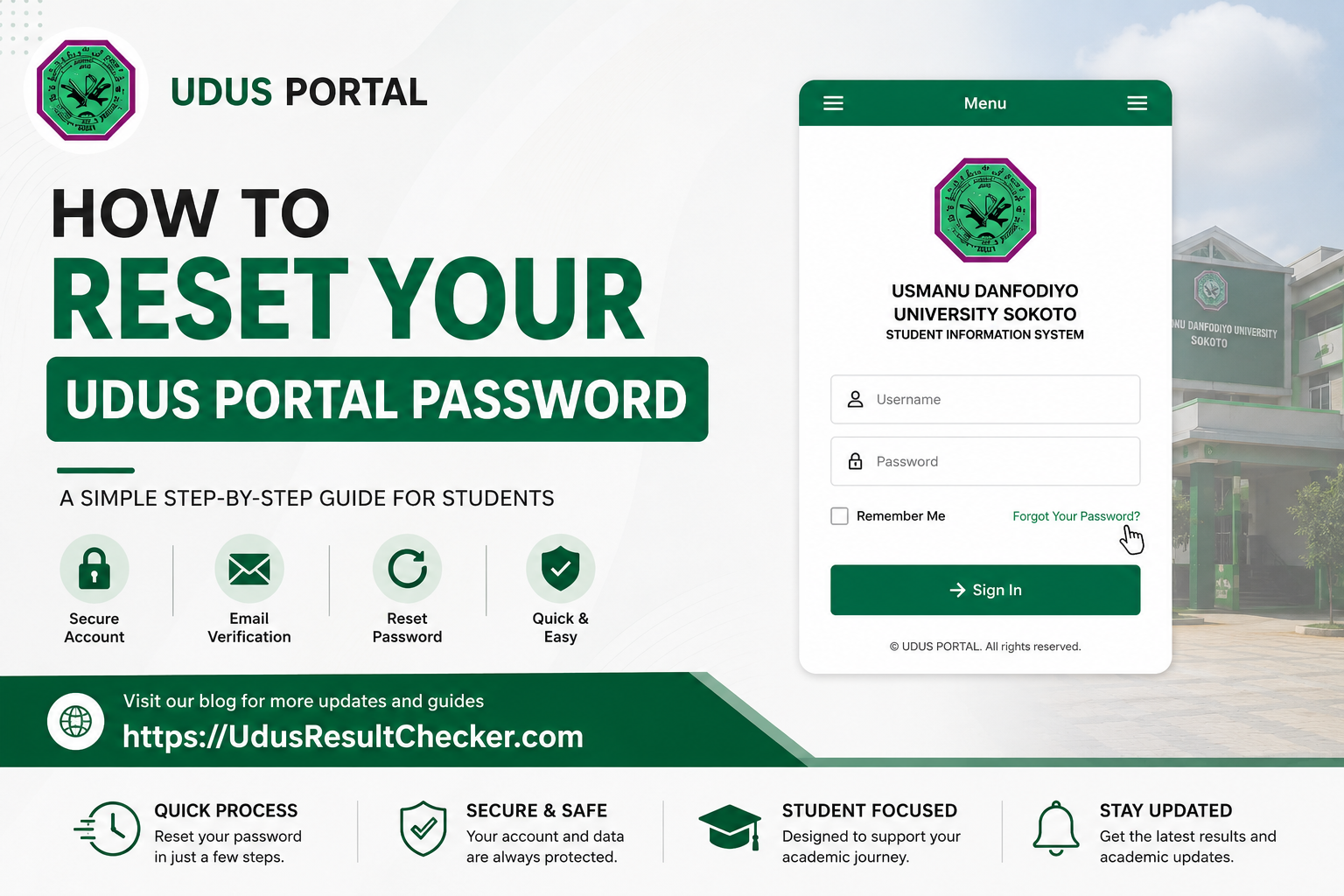
If you cannot get into your Usmanu Danfodiyo University Sokoto (UDUS) student portal because you have forgotten your password, you are not alone, and the fix is easier than most students think. This guide walks you through every step required to reset your password on the official UDUS MIS portal at mis.udusok.edu.ng, so you can get back to checking results, registering courses, and managing your academic records without delay. Whether you are a fresh student who never properly saved your login details or a returning student who simply lost track, everything you need is right here.
Official Portal Details
What the UDUS MIS Portal Does and Why Your Password Matters
The UDUS MIS portal, hosted at mis.udusok.edu.ng, is the central digital hub through which every academic transaction at Usmanu Danfodiyo University Sokoto passes. It is built on the EduERP platform and serves undergraduate students, postgraduate students, remedial program enrollees, and JUPEB candidates. Think of it as your academic identity card in digital form.
From this single portal, you can register your semester courses, check your examination results through the built-in result checker, pay and verify school fees, download course registration slips, fill out your undergraduate medical form, apply for transcripts, and pay matric gown fees. Given how much of your academic life depends on portal access, losing your login credentials at the wrong time, say, during course registration week or result upload season, can cost you seriously.
Your password is the only key to all of that. The good news is that UDUS has a self-service password recovery system built into the MIS portal, meaning you do not need to visit the ICT unit physically or pay anyone to help you. You can recover access from your phone or laptop within minutes.
Current Status of the UDUS Portal (May 2026)
As of May 2026, the UDUS MIS portal at mis.udusok.edu.ng remains active and accessible. The portal’s password reset function at mis.udusok.edu.ng/user/password is part of the core platform infrastructure and has been verified to be working. The 2024/2025 academic session Late Course Registration feature is also listed as active on the portal, which means the platform is in full operation.
⚠ Important Notice – Portal uptime can occasionally be affected during server maintenance or peak registration periods. If you attempt a reset and the page is temporarily slow or unresponsive, wait a few minutes and try again. Do not submit the reset form multiple times in quick succession, as this may flood your inbox with multiple reset emails and cause confusion.
The university has not announced any planned migration away from the EduERP system as of this writing. Alongside the main MIS portal, the institution also maintains the UDUS SIS (Student Information System) at my.udusok.edu.ng and the UDUS Hostel Portal at hostel.udusok.edu.ng. These are separate platforms with separate login credentials, so a password reset on the main MIS portal will not affect your hostel portal login.
What You Need Before You Start the Reset
Before you begin the password reset process, confirm that you have the following in place. Missing any of these will stop the process midway.
Your Registered Email Address or Username
The UDUS MIS portal sends the password reset link to the email address you used when your account was created. For most students, this is the email you provided during admission processing or first-time registration. Your matric number can also serve as your username on the portal. Have either one ready before you proceed.
Access to Your Email Inbox
You must be able to open that registered email account because the reset instruction will be sent there. If you no longer have access to that email account, the self-service option will not work for you, and you will need to contact the UDUS ICT Directorate directly. Check both your primary inbox and your spam or junk folder once you submit the request.
A Stable Internet Connection
A patchy connection can cause the reset form to fail silently. Use a stable mobile data connection or WiFi. The process involves navigating to the portal, submitting a form, and then quickly switching to your email to click a time-sensitive reset link before it expires.
A Browser That Is Not Caching Old Sessions
Old cached login sessions can sometimes interfere. Open the portal in a fresh browser tab or use a private or incognito window if you have been logged out unexpectedly and the regular reset is not working as expected.
Information and Access You Should Have Ready
| Item | Notes |
|---|---|
| Registered Email Address | The email linked to your MIS account at the time of registration. Most commonly a Gmail or Yahoo address provided during admission. |
| Matric Number (Username) | Your UDUS matriculation number, which serves as your portal username. Format is typically year-based, e.g., UDU/19/12345. This can be used instead of an email for the reset form. |
| Working Device | A smartphone, tablet, or laptop with a functional web browser. Chrome or Firefox recommended for the best portal compatibility. |
| Internet Access | Stable data or WiFi connection throughout the process. Do not start the reset on a network that drops frequently. |
| Email App or Webmail Access | Access to your inbox to receive and act on the reset link. Gmail, Yahoo Mail, or any email client will work. Check spam folders too. |
How to Reset Your UDUS Portal Password Step by Step
Follow each step carefully. The entire process typically takes less than five minutes if your email is accessible.
Open Your Web Browser and Navigate to the Reset Page
Open Chrome, Firefox, or any browser on your phone or computer. Type this exact URL into the address bar and press Enter: https://mis.udusok.edu.ng/user/password. This takes you directly to the UDUS MIS password recovery page. Alternatively, go to the portal login page at mis.udusok.edu.ng and click the “Request new password” tab you will find there.
Enter Your Username or Registered Email Address
On the password recovery page, you will see a single text field. Enter either your portal username (matric number) or the email address that is linked to your MIS account. The portal will search its database for a match. Make sure there are no typos; even one wrong character will cause the system to report that your account was not found.
Click the “Email New Password” Button
Once you have entered your details, click the “Email new password” button. The system will process your request and, if your account is found in the database, it will send an email with reset instructions to your registered email address. A confirmation message will usually appear on screen telling you to check your email.
Open Your Email Inbox and Find the Reset Message
Switch to your email app or webmail and look for an email from the UDUS portal system. Check your primary inbox first, then look in your spam or junk folder if the email does not appear within a few minutes. The email will contain a unique reset link. Do not share this link with anyone.
Click the Reset Link in the Email
Click the link provided in the email. This link is time-sensitive, so open it as soon as you receive the message. Clicking the link will take you back to the UDUS MIS portal on a page where you can now set a new password for your account.
Set Your New Password and Save
Enter a new password that is strong enough to protect your academic records. Use a combination of letters, numbers, and special characters. Confirm the password in the second field, then click Save. You will be logged into your portal dashboard immediately or directed to the login page to sign in with your new credentials.
Log In and Confirm Full Access
Go to mis.udusok.edu.ng, enter your username and the new password you just created, and click Login. Confirm that you can access your dashboard, view your results, and see your course registration history. Write down your new password somewhere safe or save it in a trusted password manager.
✅ Pro Tip – Once you regain access, update your profile to make sure the email address on your account is one you actively use and still have access to. This makes any future password recovery seamless.
What to Do If the Standard Reset Does Not Work
In most cases, the self-service process above will restore your access without any friction. However, a few situations can prevent it from working, and you need to know how to handle each one.
You Do Not Receive the Reset Email
Wait up to 10 minutes and check spam folders. If nothing comes, the email you entered may not match what is stored on the system. Try your matric number instead of your email, or vice versa. If the problem persists, the email address on your account may need to be updated by the university ICT unit.
You No Longer Have Access to Your Registered Email
This is the trickiest situation. You will need to visit the UDUS ICT Directorate on campus with your student ID card and matric number. Explain that you need your portal email address updated. The directorate staff can verify your identity and update the account to an email address you currently control.
The Reset Link Has Expired
Portal reset links typically expire within a short window after being sent. If you clicked the link too late and it says it has already been used or has expired, simply go back to mis.udusok.edu.ng/user/password and request a fresh one. Start the process again from Step 1 above.
The Portal Is Down or Unresponsive
UDUS MIS can experience downtime during peak periods like semester registration windows or result upload periods. If the portal itself is not loading, there is nothing you can do from your end except wait and try again. You can also contact the UDUS ICT unit via the official university email at registrar@udusok.edu.ng to report extended downtime.
Your Account Has Been Deactivated
Accounts can sometimes be flagged or deactivated for non-payment of fees or other administrative issues. A password reset will not restore a deactivated account. In this case, you need to speak with your faculty officer or the student affairs division to understand what needs to be resolved before portal access can be restored.Frequently Asked Questions About Resetting Your UDUS Portal Password
What is the direct URL for resetting the UDUS portal password?
Can I reset my UDUS portal password with my matric number?
How long does it take to receive the password reset email from UDUS?
What should I do if I no longer have access to my registered UDUS email?
Is there a difference between the UDUS MIS portal password and the UDUS SIS portal password?
Can someone else reset my UDUS portal password on my behalf?
What happens to my results and course registration if I reset my password?
Conclusion
Forgetting a portal password happens to students at every level, and there is no reason to panic or pay a third party to “recover” your account. The UDUS MIS portal has a clear, working, and free self-service recovery system that can return you to full portal access within minutes, provided you have access to the email address tied to your account. The most important thing you can do right now, even if you are reading this guide just out of curiosity rather than urgency, is to confirm that the email address on your portal account is one you actively use and control.
For anything that goes beyond a simple forgotten password, such as a locked account, a deactivated profile, or an inaccessible email address, the right path is always the UDUS ICT Directorate. Avoid paying online “helpers” who claim they can reset your portal for a fee. The university provides the tool for free, and your academic data is best kept between you and the institution.
Once you are back on your portal, take full advantage of what it offers. Check your results promptly after uploads, print your course registration slips for your records, and verify your school fee payments so there are no surprises at clearance time. Your portal is a powerful academic tool; keep your login details safe and your email address current so it is always accessible when you need it.
🔒 Disclaimer – UdusResultChecker.com is an independent student information resource and is not affiliated with, endorsed by, or officially connected to Usmanu Danfodiyo University Sokoto (UDUSOK) or any of its departments. All portal URLs, processes, and information in this article are based on publicly available data and were verified at the time of writing. Portal interfaces and processes may change without notice. Always use the official UDUS website at udusok.edu.ng or the MIS portal at mis.udusok.edu.ng as your primary source of truth. If you encounter discrepancies, contact the UDUS ICT Directorate or the Registrar’s office directly.